Creating New Site
Adding a new site to your organization allows you to manage buildings, access control, maintenance, and technical systems from a single platform.
Creating new sites requires organization administrator rights.
Creating a new site
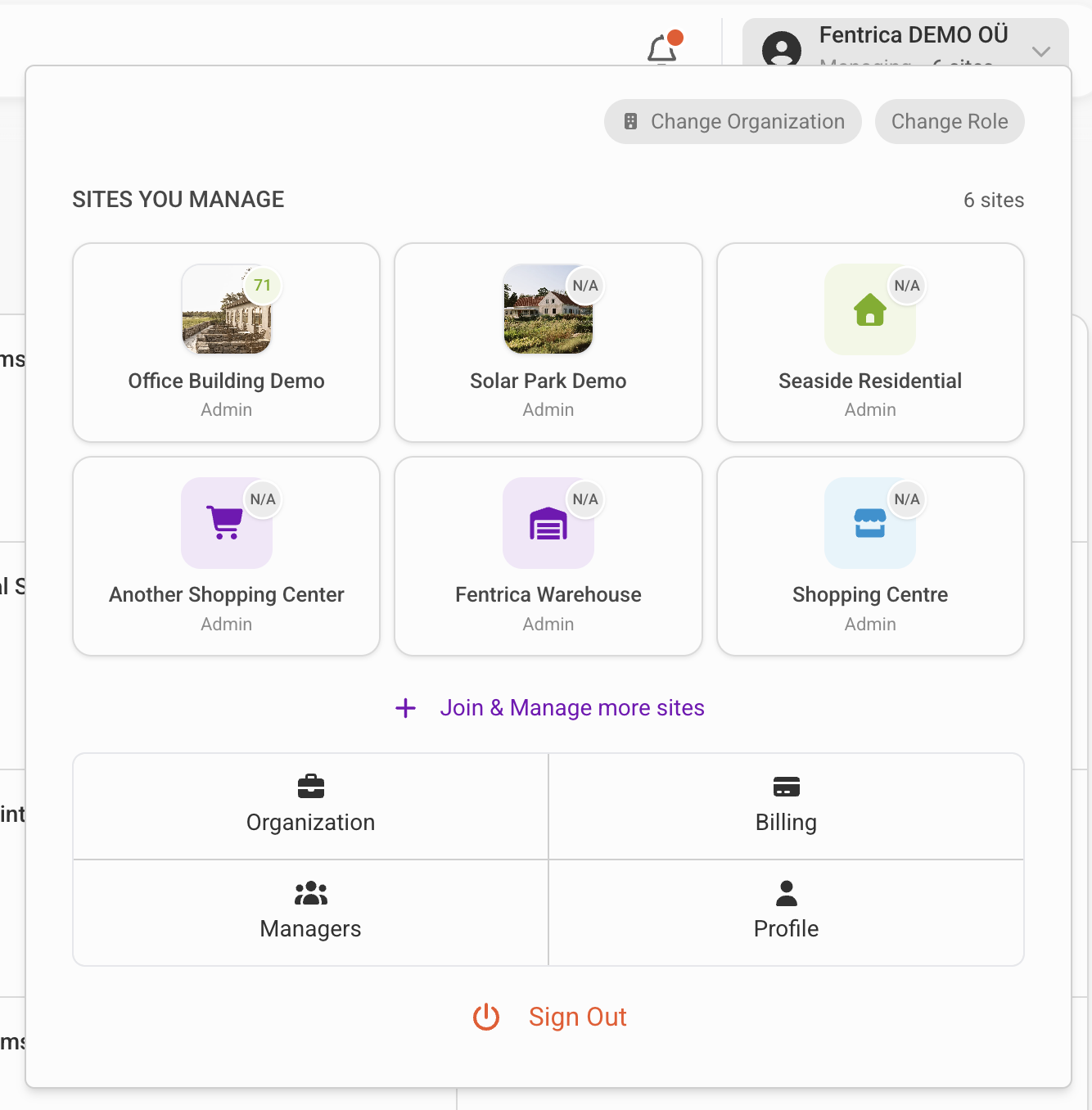
From the top navigation menu, click Join & manage more sites, then select New site.
Site configuration
When creating a new site, you need to provide the following information:
Site type
Select the type of property you are managing:
| Type | Description |
|---|---|
| Residential | Apartment buildings, housing complexes |
| Commercial | Office buildings, retail spaces |
| Mixed-use | Buildings combining residential and commercial |
| Industrial | Warehouses, factories, logistics facilities |
Country and address
The country and physical address are required for:
- AI weather forecasting — Precise location enables accurate weather data for energy optimization and climate control
- Regulatory compliance — Local regulations may affect access control and data handling
- Time-based automations — Location-aware sunrise/sunset calculations for lighting and schedules
Provide the complete address including street, city, and postal code for best results.
Timezone
The timezone setting is critical for:
- Access rights timing — Ensures access schedules apply at the correct local time
- Scheduled tasks — Maintenance reminders and automated tasks trigger at the right time
- Reports and logs — All timestamps display in the site's local time
An incorrect timezone causes access schedules to apply at wrong hours. A schedule set for 09:00 will grant access at a different actual time if the timezone is misconfigured.
Privacy level
Privacy level controls which managers can join and manage the site:
Public
All organization managers can join the site and perform basic management — tasks, tickets, maintenance plans, upload documentation. Only site admins can change site settings. Organization admins automatically inherit site admin rights.
Private
Managers must request to join the site, and a site admin must approve before they can manage it.
When to use Public: Most organizations prefer public sites. Managers can cover for each other during vacations or absences without requiring explicit approval for each site.
When to use Private: Large portfolios where directors need tighter control over which managers can access specific sites. Useful when sites have sensitive operations or require specialized expertise.
Next steps to set up new site
Once the site is created, complete the following setup tasks:
Settings
Technical Systems
Register building equipment — HVAC units, elevators, lighting controllers, fire systems — to track status, maintenance history, and enable AI-powered monitoring.
Edge Devices
Connect Fentrica edge devices to your building for real-time control and monitoring of building infrastructure.
Measurement Devices
View and manage measurement devices connected to edge devices — utility meters, environmental sensors, and other data sources.
Automation & AI
Integration Apps
Connect business software and third-party apps to automate access control, enable tenant self-service, and sync data across systems.
Smart Alarms
Configure smart alarms that aggregate sensor data to automatically detect anomalies and alert before issues escalate.
Energy Optimization
Set up AI-powered and rule-based energy optimizers to automatically adjust HVAC schedules, lighting, and other systems for reduced consumption.
Schedule Definitions
Define operating schedules for technical systems like HVAC, BESS, and lighting.