Preventive Maintenance
Preventive maintenance is the practice of performing regular, scheduled maintenance on building systems before failures occur. Rather than waiting for equipment to break down (reactive maintenance), preventive maintenance keeps systems operating reliably and extends their useful life.
Accessing Preventive Maintenance
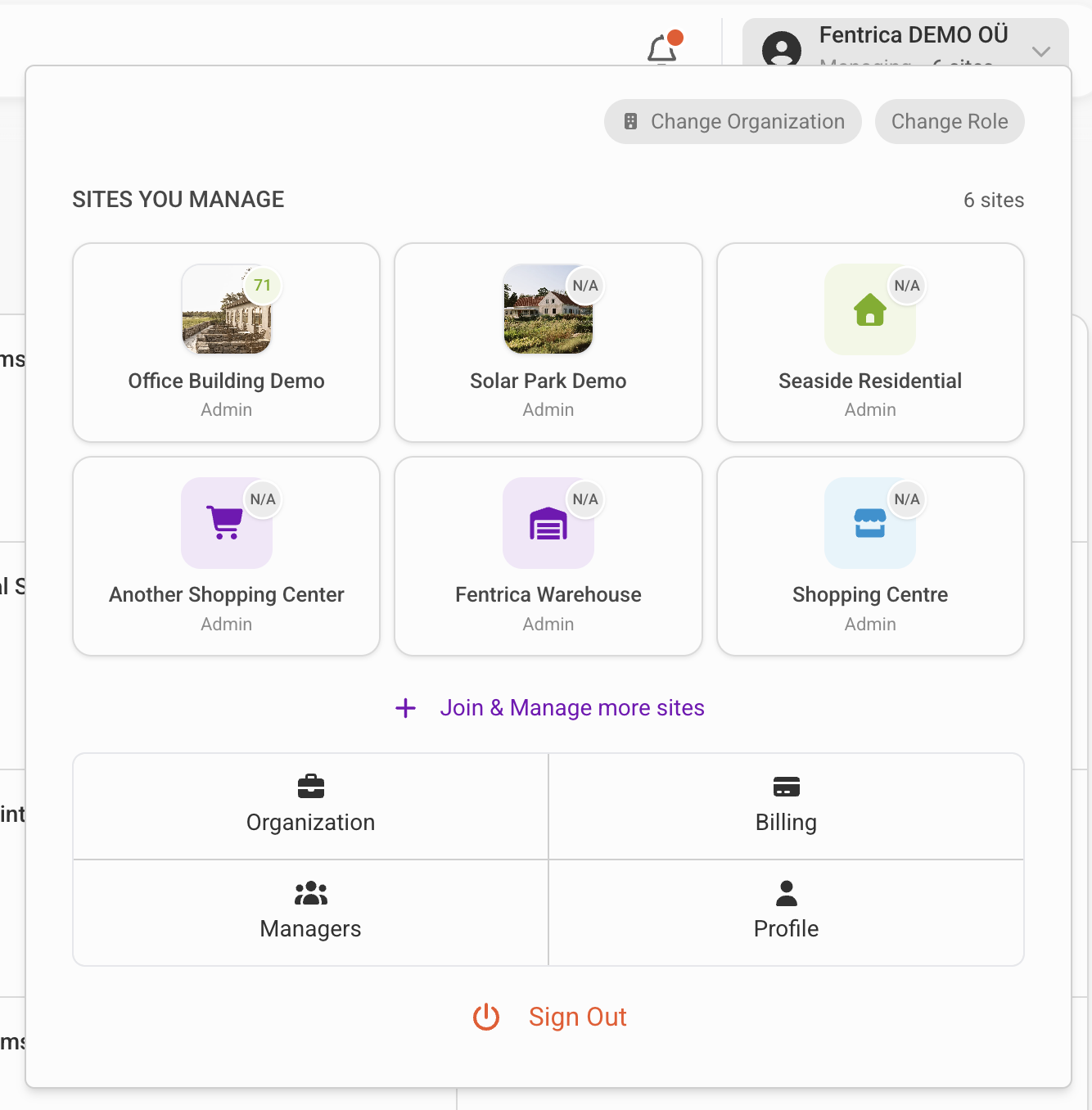
Open the site you manage from the top navigation menu, then select Preventive Maintenance Plan from the site management menu.
Why preventive maintenance matters
Reduced Downtime
Equipment failures cause unexpected downtime, tenant complaints, and emergency repair costs. Scheduled maintenance catches problems early, when they are easier and cheaper to fix.
Extended Equipment Life
Regular maintenance — cleaning filters, lubricating moving parts, calibrating sensors — keeps systems running within design parameters. Well-maintained equipment lasts longer than neglected equipment.
Energy Efficiency
Dirty filters, worn belts, and misaligned components force systems to work harder. Preventive maintenance keeps equipment operating at peak efficiency, reducing energy consumption.
Compliance
Many building systems require periodic inspections and maintenance to meet regulatory requirements. Preventive maintenance schedules ensure compliance deadlines are not missed.
Key concepts
Maintenance Plan Rule
A rule is not a work order itself — it is a template that automatically generates work orders on a schedule. Each time the schedule triggers, a new work order is created with the rule's settings pre-filled, ready for the assigned person to complete.
Examples: monthly filter changes, quarterly fire extinguisher inspections, annual elevator certifications.
Maintenance Schedule
A maintenance schedule defines when and how often maintenance tasks occur. Schedules support daily, weekly, monthly, yearly, and custom recurrence patterns.
Checklist
Each maintenance task includes a checklist of steps to complete. Checklists ensure consistency — every technician follows the same procedure, and nothing gets missed.
Types of preventive maintenance
| Type | Description | Example |
|---|---|---|
| Time-based | Performed at fixed intervals regardless of condition | Monthly HVAC filter replacement |
| Seasonal | Aligned with weather or occupancy patterns | Pre-winter heating system check |
Creating a maintenance plan rule
To set up a new preventive maintenance rule:
- Open the site from the dashboard
- Navigate to Preventive Maintenance Plan from the site management menu
- Click New Rule
Schedule
Define how often the work order should be generated:
| Pattern | Example |
|---|---|
| Daily | Every day, every 3 days |
| Weekly | Every Monday and Thursday |
| Monthly | 1st of every month, last Friday of every quarter |
| Yearly | Every March 15th |
| Custom | Any combination using recurrence rules |
Task details
- Name — A clear description of the maintenance activity (e.g., "HVAC Filter Replacement — AHU-01")
- Description — Detailed instructions for the technician
- Checklist — Step-by-step items the technician must verify or complete
Assignment
- Assigned to — A property team member responsible for overseeing the task. Use "Assign to me" for quick self-assignment.
- Service provider — An external partner company and technician who will perform the work. Select by company and person.
- Classifications — Tags that categorize the type of work (e.g., "HVAC Maintenance", "Fire Safety"). These help with reporting and automatic service provider matching.
Linked systems and spaces
- Technical systems — Link to specific equipment (e.g., AHU-01, Elevator 2). The generated work order shows the system's details, maintenance history, and documentation.
- Spaces — Link to specific units or areas (e.g., "Mechanical Room Floor 3"). Helps the technician locate where the work needs to happen.
Automation options
Each rule supports additional automation:
- Plan due part replacements — Installed spare parts of the linked technical systems that approach their expected lifetime are added automatically to the visit before they expire, as pre-filled replacement lines the technician verifies on site. See Spare Parts for the full workflow.
- Auto-review on deadline — Automatically marks the work order as "In Review" when the deadline passes, flagging overdue tasks for manager attention
- Auto-skip if system inactive — Skips work order generation if the linked technical system is deactivated (e.g., seasonal equipment shut down for summer)
- Auto-fail if no provider — Marks the work order as failed if the assigned service provider is unavailable
Managing recurring tasks
Deleting a maintenance plan rule also removes its generated work orders that are still in the planned state — work that has already been started or completed stays in the history as ordinary work orders.
The Preventive Maintenance Plan view shows all scheduled maintenance rules for your site. Each rule displays:
- Task name and description
- Associated technical systems
- Recurrence schedule
- Assigned personnel or service provider
- Completion checklist
- Upcoming — Tasks due soon, sorted by deadline
- Overdue — Tasks past their due date requiring immediate attention
- Completed — Historical record of completed maintenance
How it works in practice
- You create a rule: "Monthly HVAC filter check" scheduled for the 1st of every month, assigned to ACME HVAC Services, linked to AHU-01
- On the 1st, a new work order is automatically created and appears on the maintenance dashboard
- The assigned service provider receives a notification
- The technician opens the work order, follows the checklist, and marks it complete
- The completed work order becomes part of AHU-01's maintenance history
This cycle repeats automatically without manual intervention.
Best practices
- Start with manufacturer recommendations — Equipment manuals specify maintenance intervals and procedures
- Track completion rates — Monitor how many scheduled tasks are completed on time
- Review and adjust — If a task never finds issues, consider extending the interval; if problems are frequent, shorten it
- Document findings — Record what was observed during each maintenance visit, even if no problems were found
- Link to SmartDocs — Attach relevant manuals and procedures from SmartDocs to each recurring task