Help Center
The Help Center is an in-app knowledge base maintained by your property manager. It contains articles about building rules, common procedures, and answers to frequently asked questions.
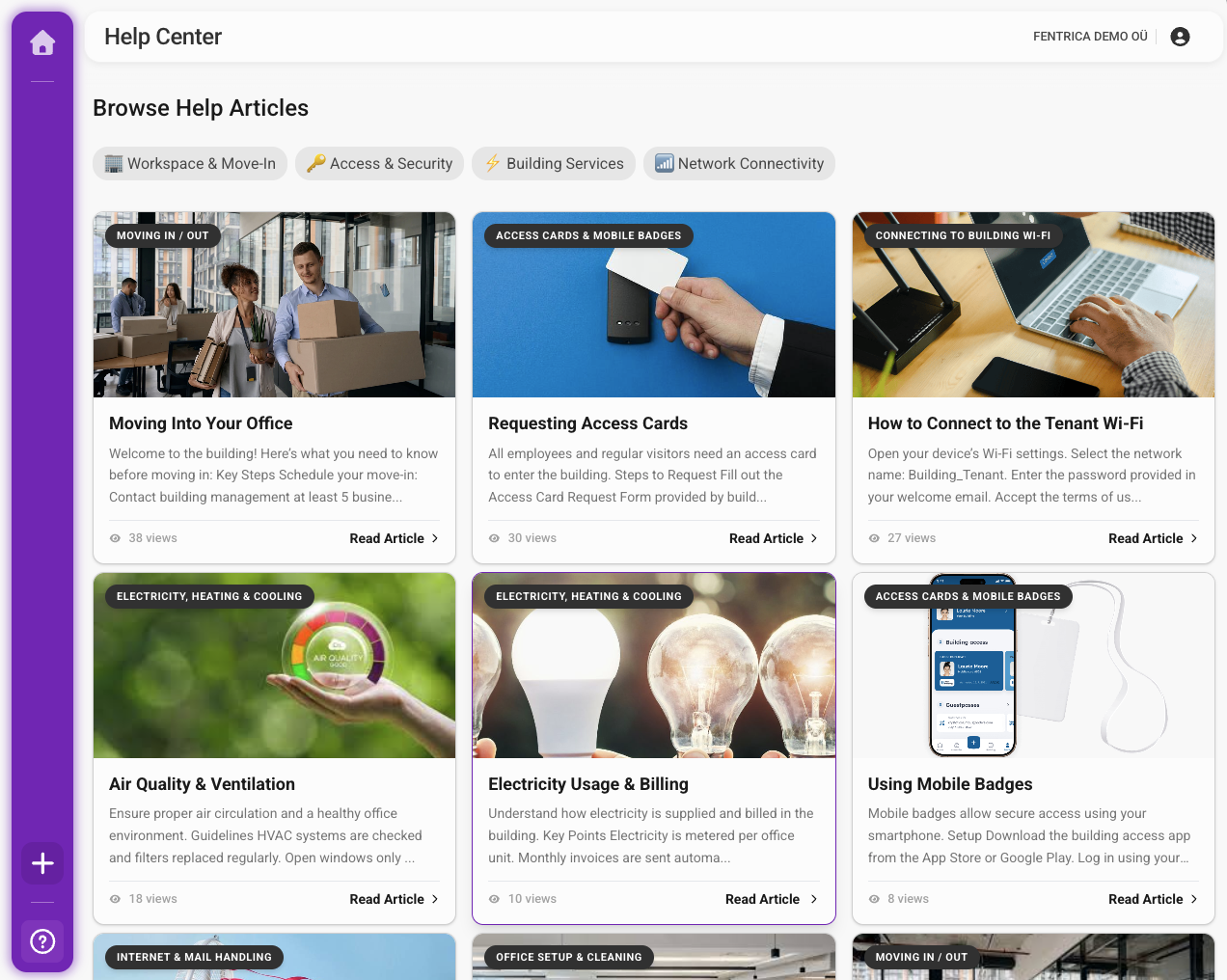
Accessing the Help Center
From the dashboard, tap the Help Center button in the sidebar or the Help Center card on your dashboard.
AI-powered search
The Help Center uses AI-powered search, which means you can ask questions in natural language instead of guessing exact keywords. For example, you can type "where do I park my bike?" and the search will understand your intent and find relevant articles — even if none of them contain the exact words you used.
- Use the search bar at the top of the Help Center page
- Type a question or keywords related to what you need (e.g., "where can I recycle?", "guest parking", "how to book a meeting room")
- Results are ranked by relevance — select an article to read it
Browsing by category
Articles are organized into categories by your property manager. Browse categories to find articles on a specific topic. Common categories include:
- Building rules and policies
- Parking and transportation
- Waste management and recycling
- Emergency procedures
- Common area usage
- Move-in / move-out information
The Help Center is only visible if your property manager has enabled it for your building. If you do not see the Help Center option, this feature is not active for your property.