Smart Spaces
Smart Spaces are preconfigured areas within a site where IoT devices and smart home systems can be monitored and controlled. Each space groups together the devices and controls relevant to that physical area — an apartment, office, common area, or technical room.
Accessing Smart Spaces
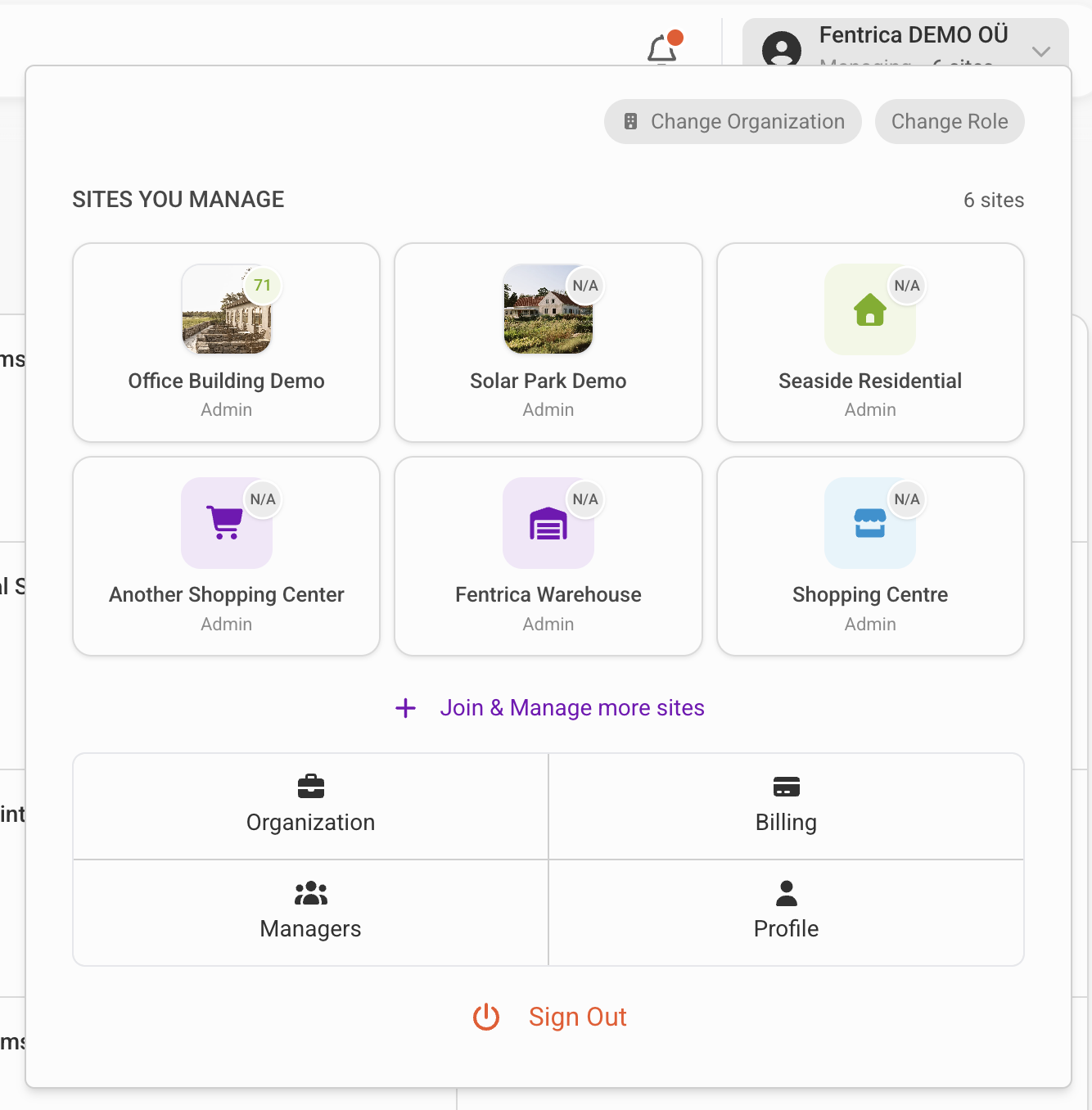
Open the site you manage from the top navigation menu, then select Smart Spaces from the site menu.
What can be controlled
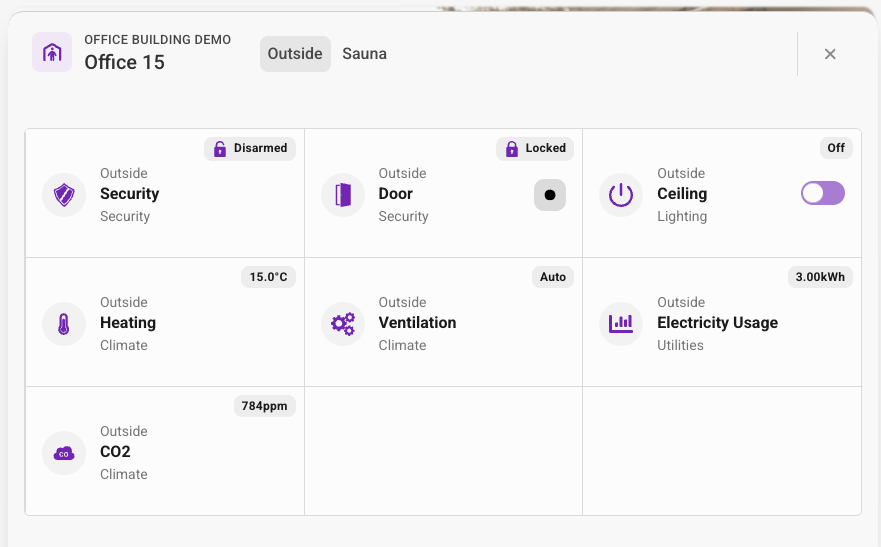
Smart Spaces provide unified control over various device types within each space:
HVAC
View current temperature and humidity. Adjust thermostat setpoints, switch between heating and cooling modes, and control ventilation.
Lighting
Turn lights on and off, adjust brightness levels, and control scenes for different times of day or activities.
Doors & Access
Monitor door status (open/closed), remotely lock or unlock doors, and view access logs for the space.
Cameras
View live camera feeds from the space. Access recorded footage when available.
Security
Monitor alarm status, arm or disarm security zones, and receive alerts for security events.
Smart Space interface
Space types
Smart Spaces can represent different types of areas:
| Type | Examples | Typical devices |
|---|---|---|
| Residential | Apartments, units | Thermostat, lighting, door lock, intercom |
| Commercial | Offices, meeting rooms | HVAC, lighting, access control, occupancy sensors |
| Common areas | Lobbies, corridors, parking | Lighting, cameras, access readers |
| Technical | Plant rooms, server rooms | Environmental sensors, access control, cameras |
Configuration
Smart Spaces are configured by connecting edge devices and mapping their data points to the space. This setup is typically done during site commissioning.